Do my staff need to download anything?
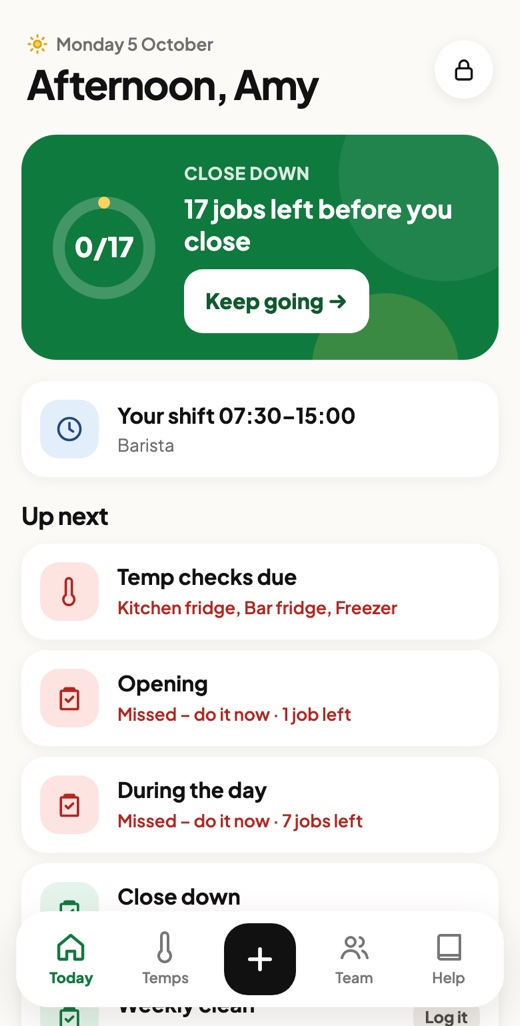
No. Crew opens in the phone's web browser, and staff can add it to their home screen so it opens with one tap. It works on iPhone and Android, and on a tablet behind the counter.
How do staff sign in?
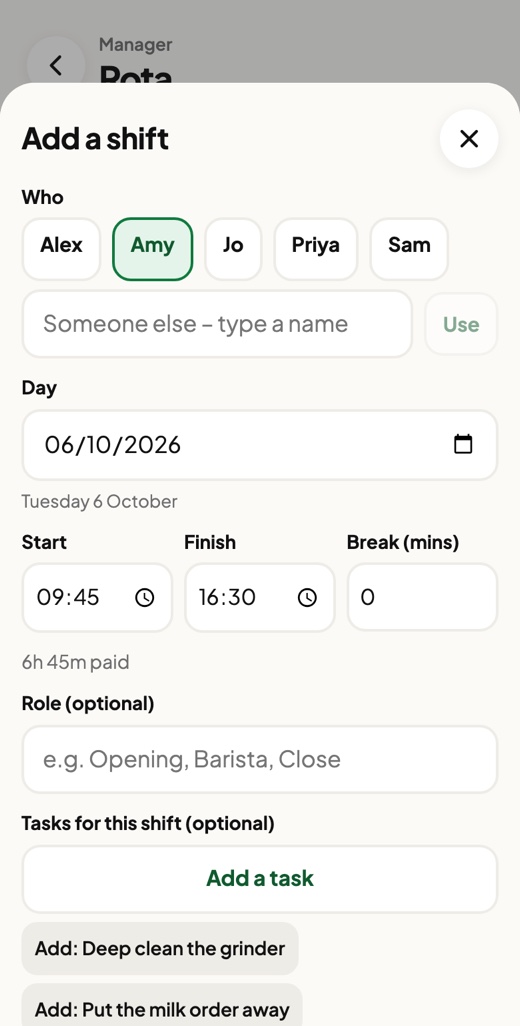
Everyone uses one café PIN, then taps their name. You get a separate manager PIN, which unlocks the rota, pay, stock, settings and records. Staff never see pay rates or other people's hours.
Will it help with a food hygiene inspection?
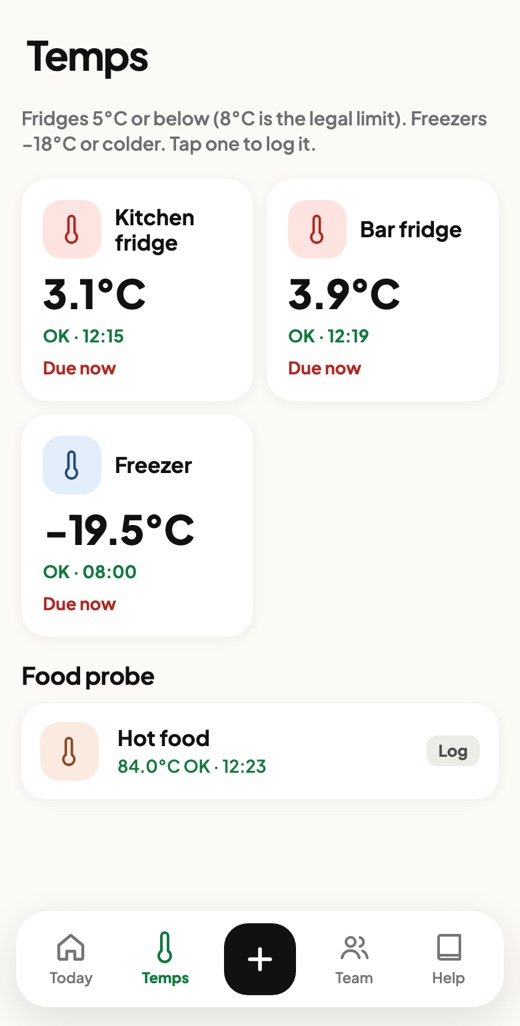
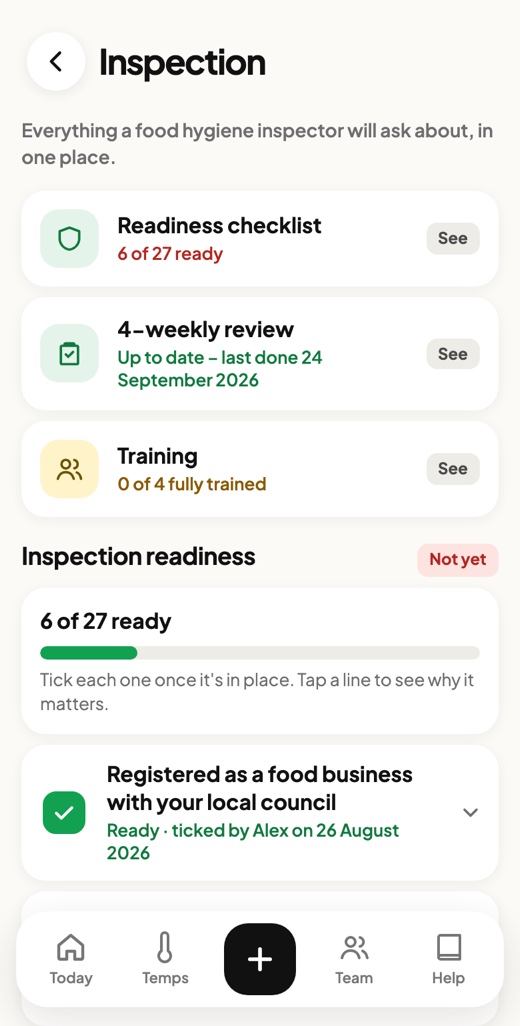
That's what it was built for. It's based on the FSA's Safer Food, Better Business pack. Your daily diary, temperature logs, problems log, training records and 4-weekly reviews are kept for you and can be printed or downloaded for the inspector.
What happens when the food safety rules change?
Crew keeps up so you don't have to. I keep a close eye on the Food Standards Agency and UK food law, including allergen and labelling rules and updates to Safer Food, Better Business. When something changes, your checklists, records and guidance in Crew are updated to match, at no extra cost, and you get a short note explaining what changed.
Do I have to pay for setup?
No, it's optional. For a one-off £99 I'll set everything up for you. You fill in a short form and send me the documents you already use – your opening and closing routines, cleaning schedules, menu and allergen information, recipes, handbook and staff list. Word, PDF or photos are all fine, and I'll copy it all into Crew for you. Or you can set it up yourself for free from the manager settings, and I'm on hand if you get stuck.
Can it be set up for how we do things?
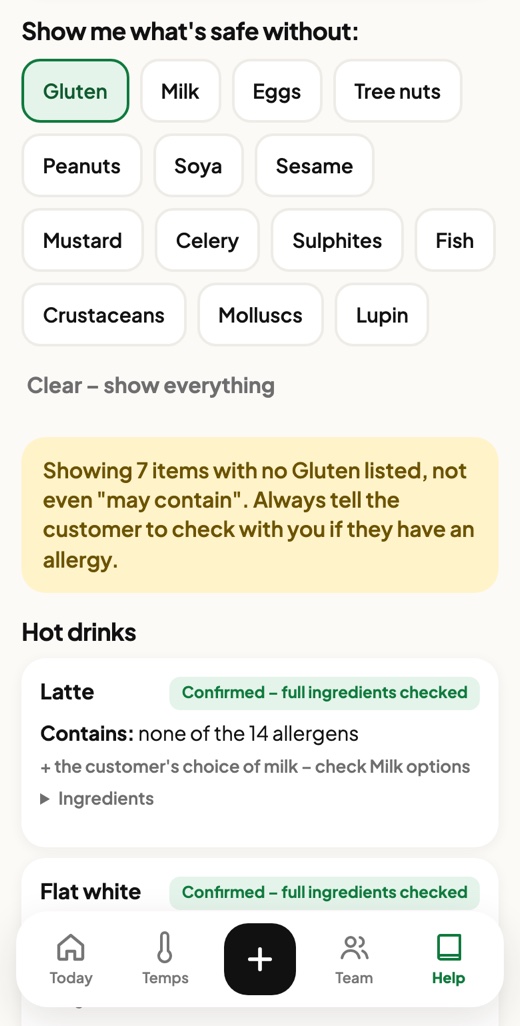
Yes. Your checklists, fridges, products, allergens, handbook pages and team are all your own. Once it's live you can change most things yourself from the manager settings, or ask me to do it.
Who owns the data?
You do. You can download everything at any time, and records can also copy to your own Google Sheet every hour. If you leave, you take it with you.
What if I only want some of it?
Turn off anything you don't use, such as stock or the rota, and it disappears from everyone's screen. The price stays the same.
I have more than one site.
Each site gets its own Crew, with its own PINs, checklists, temps and team, and a Sites button lets you and your staff switch between them. Every extra site gets another 10% off: your second site is 10% off, your third 20%, your fourth 30%, your fifth 40%, and your sixth site onwards is 50% off.
What's the difference between Crew and Crew Kitchen?
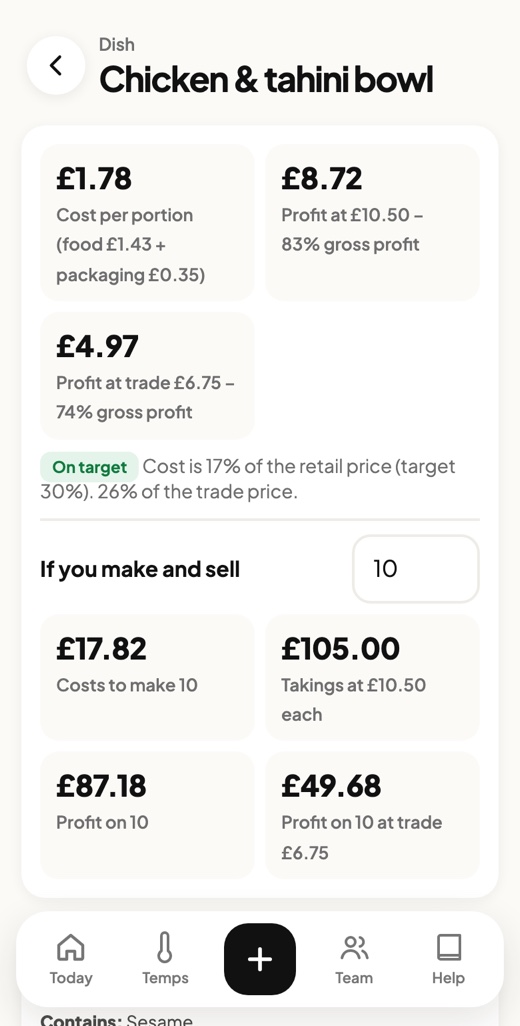
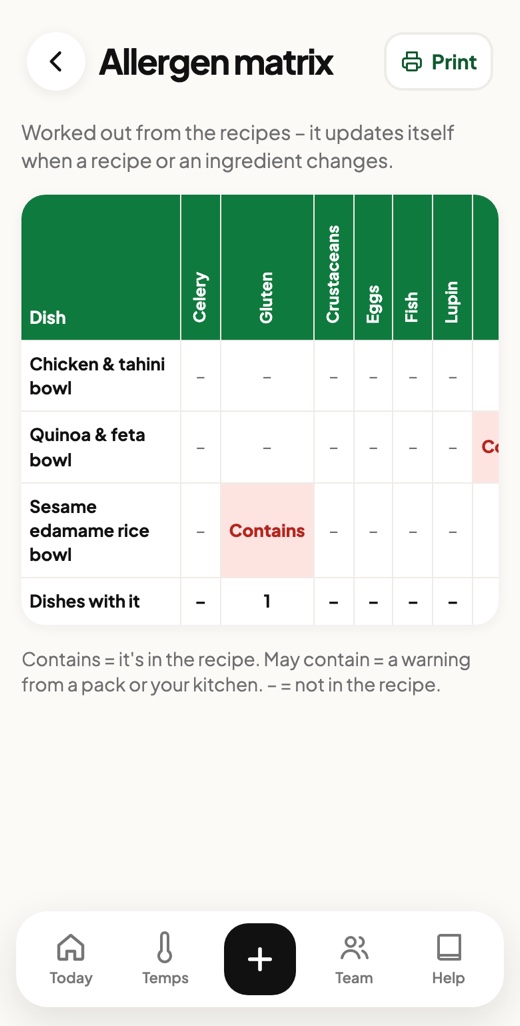
Crew is for running the day in a café. Crew Kitchen adds recipes, costing, margins, labels and batch tracking, for anyone who makes their own food, whether that's a kitchen, a bakery or a wholesale producer. You can try the Crew Kitchen demo.